
Vizio Stuck on Purple Screen: Smart TVs and other electronic devices have become essential in our day-to-day lives as a part of entertainment. So, we are always choosy when we plan to buy a new Smart TV and take care of its features and specifications.
Accordingly, we might have come across some of the best Smart TVs in the market including Vizio Smart TVs. How chaotic it will be if you face an unknown or unexpected issue with your Vizio TV?
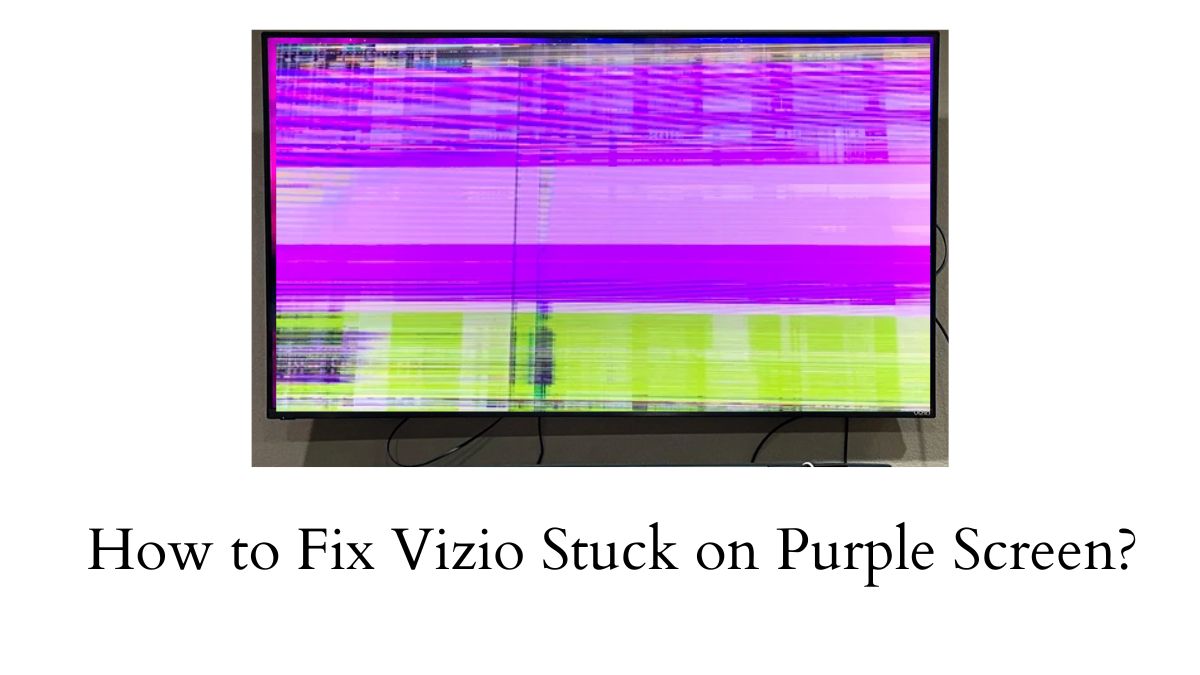
Yes, people face issues with Vizio like black screen, purple screen, pink screen, etc, and are confused with proceeding further. We can try to fix the Vizio stuck on the purple screen problem through this guide.
Check this article: Best Guide to Troubleshoot Vizio Smart TV Problems
How to Fix Vizio Stuck on Purple Screen?
The most possible reason for this purple or pink screen of Vizio TV is the HDMI connection from the cable box to the TV. So, we can try some highly working fixes to sort out this issue and the methods are as follows.
Power Cycle your TV
The first and foremost thing you have to do is to power cycle your TV which can help to fix your purple or pink hue problem. You shall follow the below short procedure to power cycle your TV.
- Before anything, turn off your TV and unplug it from the power source.
- Next, hold the power button on your TV for a minimum of 5 seconds.
- After a few minutes, plug the power cord back into your TV and turn on your TV.
- As some Vizio models support a soft power cycle, you can proceed with System >Reset & Admin> Soft Power Cycle.
Then, you can check whether the purple screen on your Vizio TV is gone.
Check Your Connections
Sometimes a bad connection will cause the purple or pink screen on your Vizio TV. If power cycling your TV did not work out, check all the connections of your TV. You can also disconnect your TV from everything and connect them all again.
Also, poor, loose, or faulty HDMI cables highly cause the purple screen or pink screen of death on your TV. Hence, you have to connect a new HDMI cable to sort out this issue.
Recommended post: How to Turn On Vizio Smart TV without remote?
Try Changing the Picture Mode
In some cases, changing the picture mode can solve the pink screen or purple screen issue, and here is how you can do it.
- Initially, press the menu button on your TV remote control and choose the Picture option from the menu.
- After that select the Picture mode and toggle between different picture modes until you confirm that the purple screen has disappeared.
Factory Reset your TV
If none of the above fixes work out, you can factory rest your TV only after knowing the risks. This is because this erases everything from your TV and it looks like a New TV. You can follow the below steps if you have a backup of everything on your TV.
- Press the menu button and choose the System option followed by “Reset & Admin”.
- Then, choose “Reset to Factory Settings” and you can click on the “Help” option if you don’t find the Factory Reset option.
Contact Customer Support
At last, you can contact Vizio support only if the above fixes do not work out. You can explain your Vizio TV’s problem to customer support and follow their assistance.
Refer to this: HOW TO ADD APPS ON VIZIO SMART TV?
Conclusion
After all, we have come to the end of this session we had on fixing the purple screen problem on Vizio TV. So, you can try all the above fixes to solve Vizio’s stuck on the purple screen. Hope you find this article helpful and you have solved the issue as soon as you go through this guide.


